
The New Home Of QImaging
Teledyne QImaging cameras are now part of the Teledyne Photometrics product portfolio. Sharing technology, a common software and being manufactured at the same location, Teledyne QImaging forms the CCD technology section of our scientific camera range.
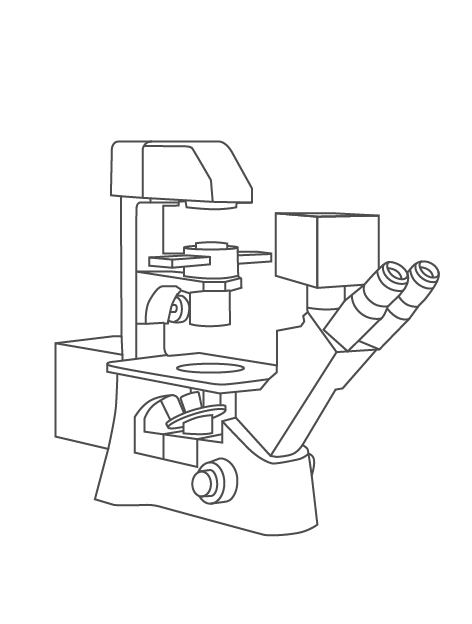
- Fluorescence Imaging
- Multichannel Fluorescence
- Low Light Fluorescence
Solutions For:
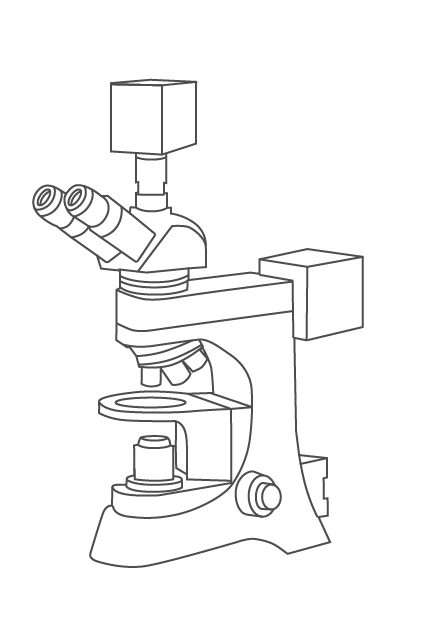
- Histology/Pathology
- Slide Scanning
- Color Fluorescence
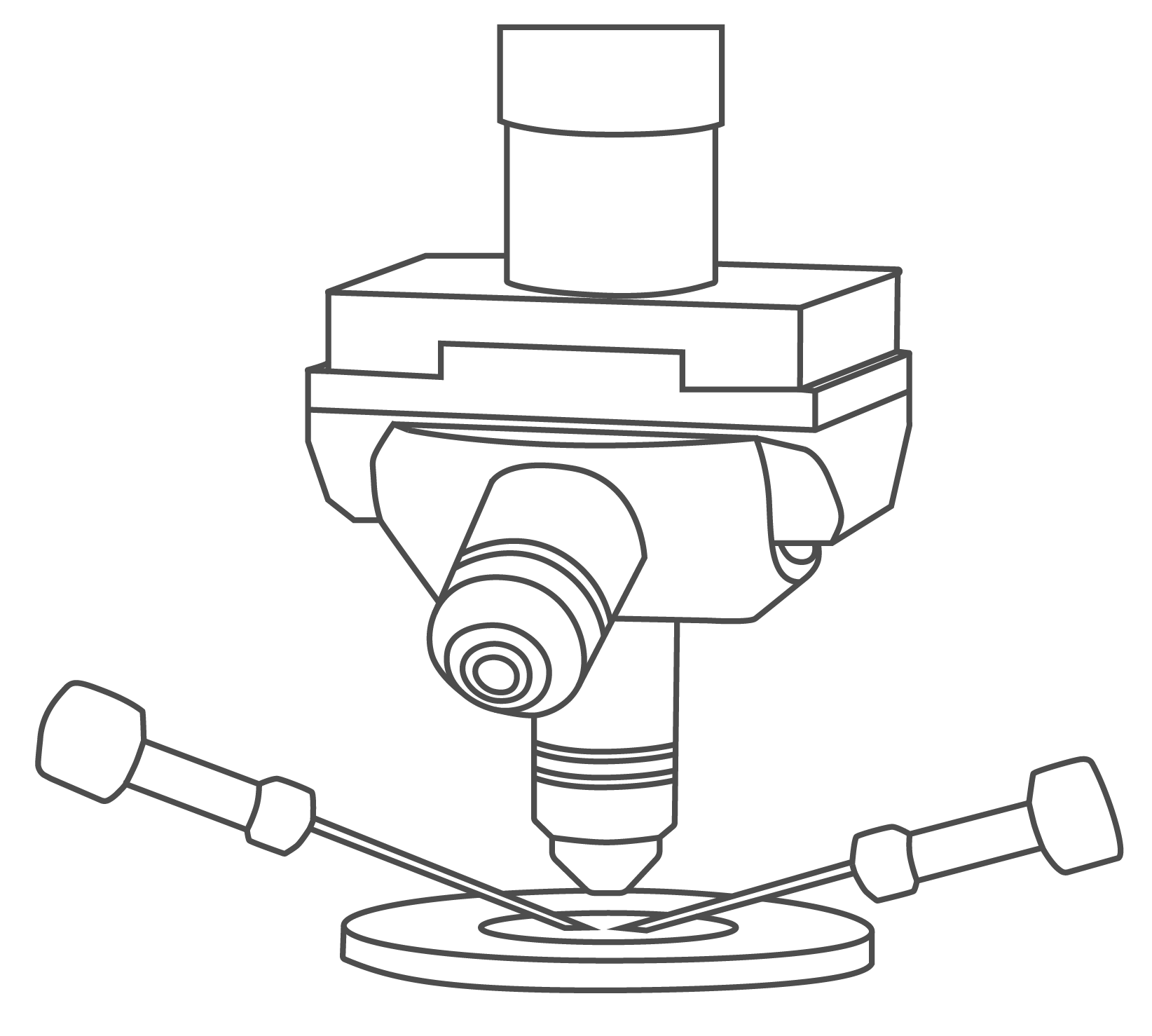
- Electrophysiology
- Calcium Imaging
- Live Cell Observation
Support


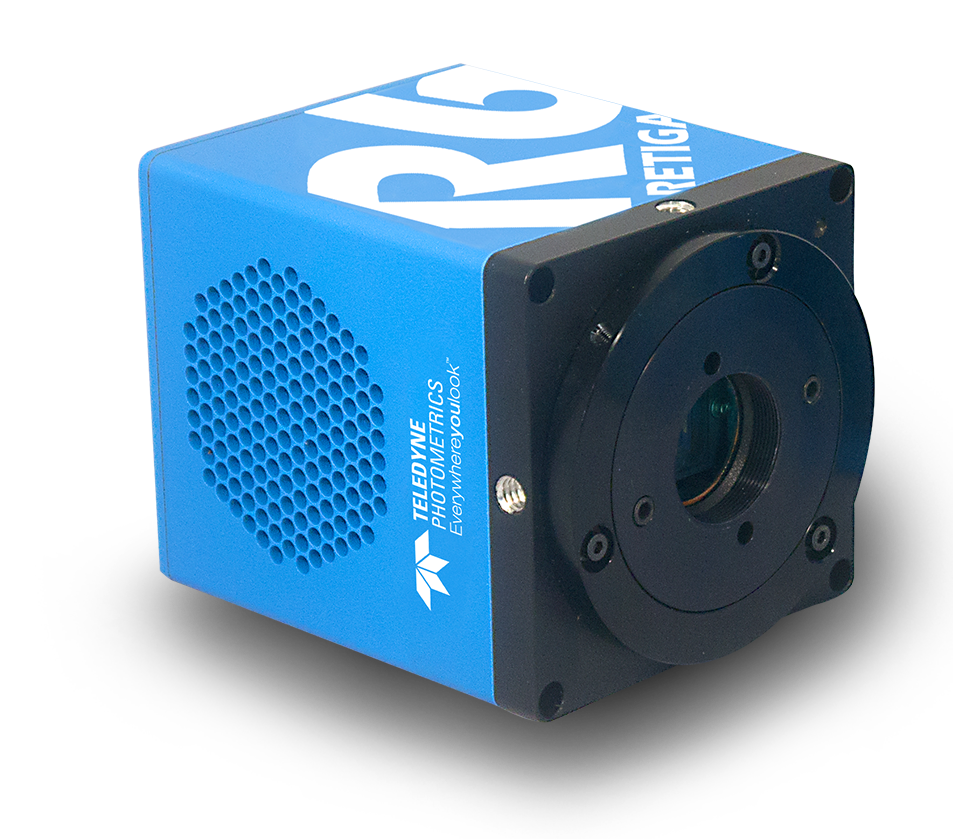
Retiga R6
- 6 Megapixel
- Large Field Of View
- 75% Peak QE
The Retiga R6 CCD microscope camera is a great solution for fast, sensitive microscopy imaging and documentation.
Products
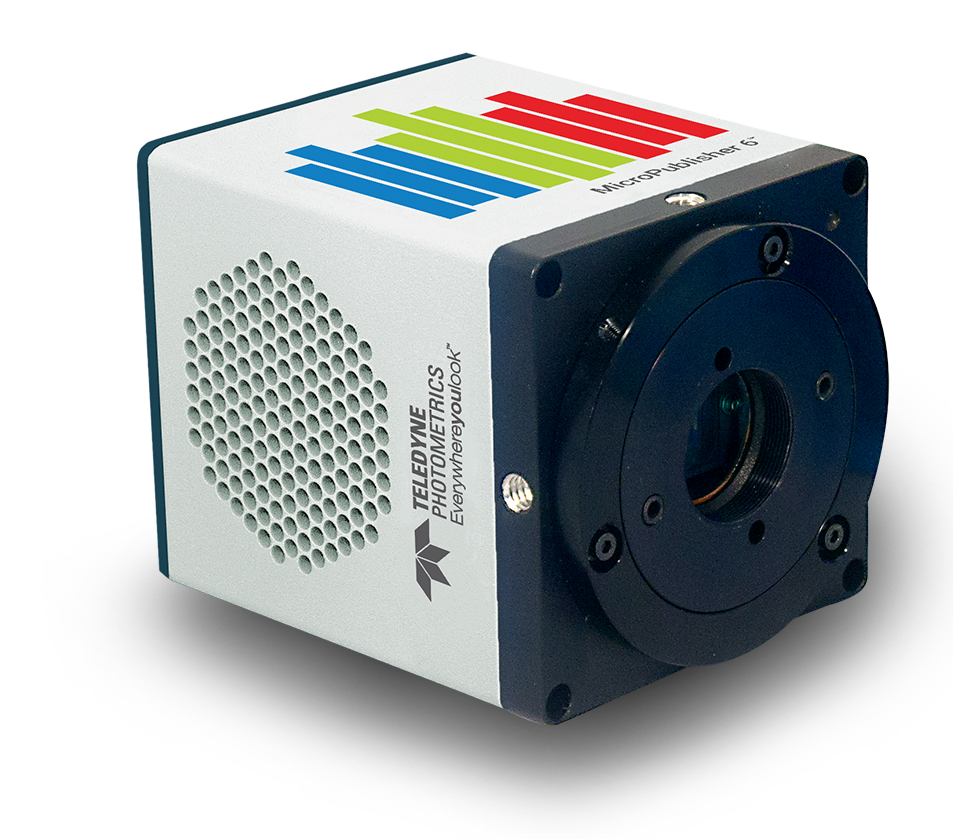
MicroPublisher 6
- 6 Megapixel
- Large Field Of View
- Color/Fluorescence Imaging
The MicroPublisher 6 color microscope camera delivers high quality color images with a large field of view and monochrome fluorescence capability.
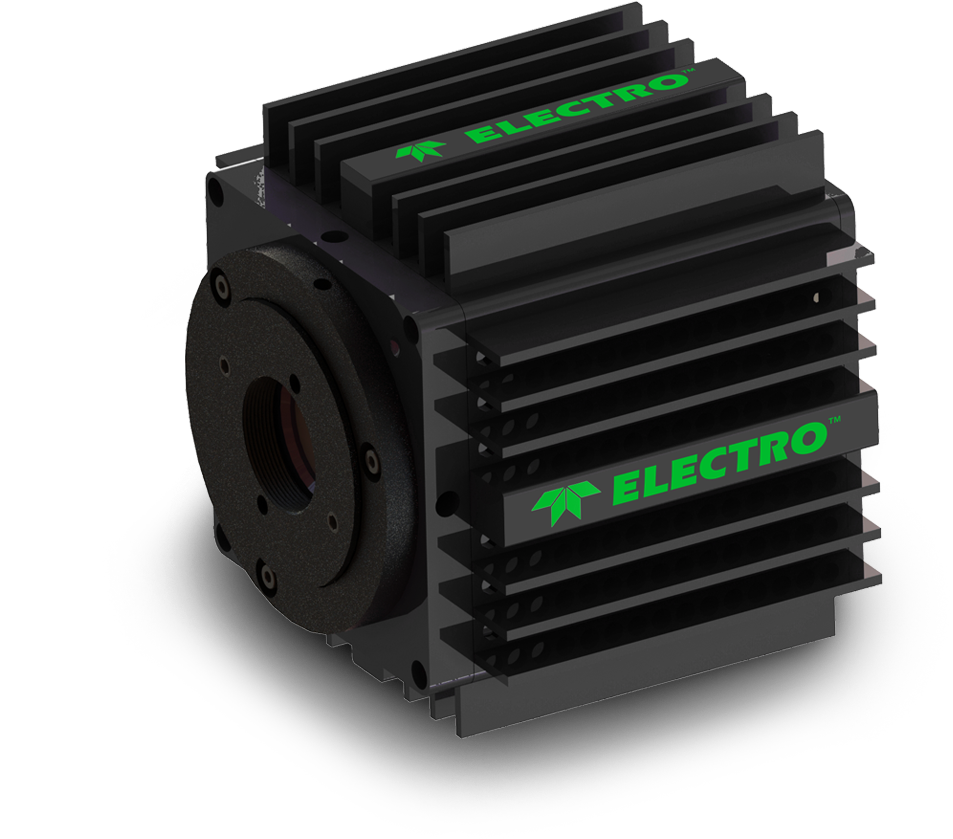
Retiga ELECTRO
- Designed For Electrophysiology
- Vibration And Interference Free
- High Sensitivity
The Retiga ELECTRO offers electrophysiologists an ideal solution to imaging challenges commonly present with other cameras.